

Change load by department
See how much project and change work each department carries over time, next to its operations and the day job. Peaks become visible while there is still room to move an initiative, instead of after adoption has stalled.
Change saturation
When several changes land on the same departments at once, adoption slows and the business starts pushing back. With aangine, leaders see how much change each department absorbs over time, alongside the day job, and sequence initiatives to what people can take on.
The challenge
When the business pushes back on change, the usual response is more communication: town halls, better messaging, change champions. These help, but often the cause is the schedule. The same department may be asked to adopt a new CRM, a new process, a new structure and a new reporting standard in the same quarter, while still running the business. Nobody planned it that way. Nobody could see it.
Every plan meets change, and it comes in a few familiar forms. New demand lands. A milestone slips and ripples through its dependencies. Capacity shifts when a team is pulled into operations. Priorities move with a new mandate or strategy. None of these is a failure. Each one, though, adds load somewhere, and the people absorbing it are rarely visible in the plan.
So the question that matters often goes unasked when leadership approves a set of changes: which departments will feel this most, and when? Without an answer, planning meetings end with “let’s take this offline,” decisions wait another week, and the load keeps building where nobody is looking.
How aangine helps
Project work and operations sit together in one live plan, imported from the tools your teams already use. Leaders see the change each department carries, period by period, and decide what to sequence differently.
See how much project and change work each department carries over time, next to its operations and the day job. Peaks become visible while there is still room to move an initiative, instead of after adoption has stalled.
Compare scenarios side by side on projects in and out, capacity, budget, value and timing, and on department impact: which teams take on more, which lose work and which are squeezed in which quarter. Change leaders can plan support where it is needed.
Move or phase an initiative and replan in one click. Algorithms rebalance the plan around capacity, dependencies, budgets and priorities. Locked and fixed-date work stays put, deadlines hold, and the plan shows what moved and which team ran out.
Is this doable, what does it need and what are we giving up? Every what-if gets answered in the meeting. The AI Portfolio Analyst highlights risks and patterns worth discussing, and the people who own the decision make the call.
In practice
A typical sequence when leadership is about to approve another set of initiatives for the same parts of the business.
Import projects, operations work and capacity from the tools you already use. Estimates are fine. The plan shows which departments already carry the most change.
Bring the proposed initiatives into a scenario and replan. Department impact shows where the new work stacks on top of existing rollouts and the day job.
Put a phased option next to the original, side by side on value, timing and department impact, so the trade-off is visible to everyone at once.
Approve the sequence in the meeting, push it back to the delivery tools and save a baseline. When trade-offs are visible to everyone, conversations get more open, and that habit lasts.
How aangine works
aangine is the decision layer above the tools you already use. No rip & replace: it imports your plans, replans them in one click and pushes the approved plan back.
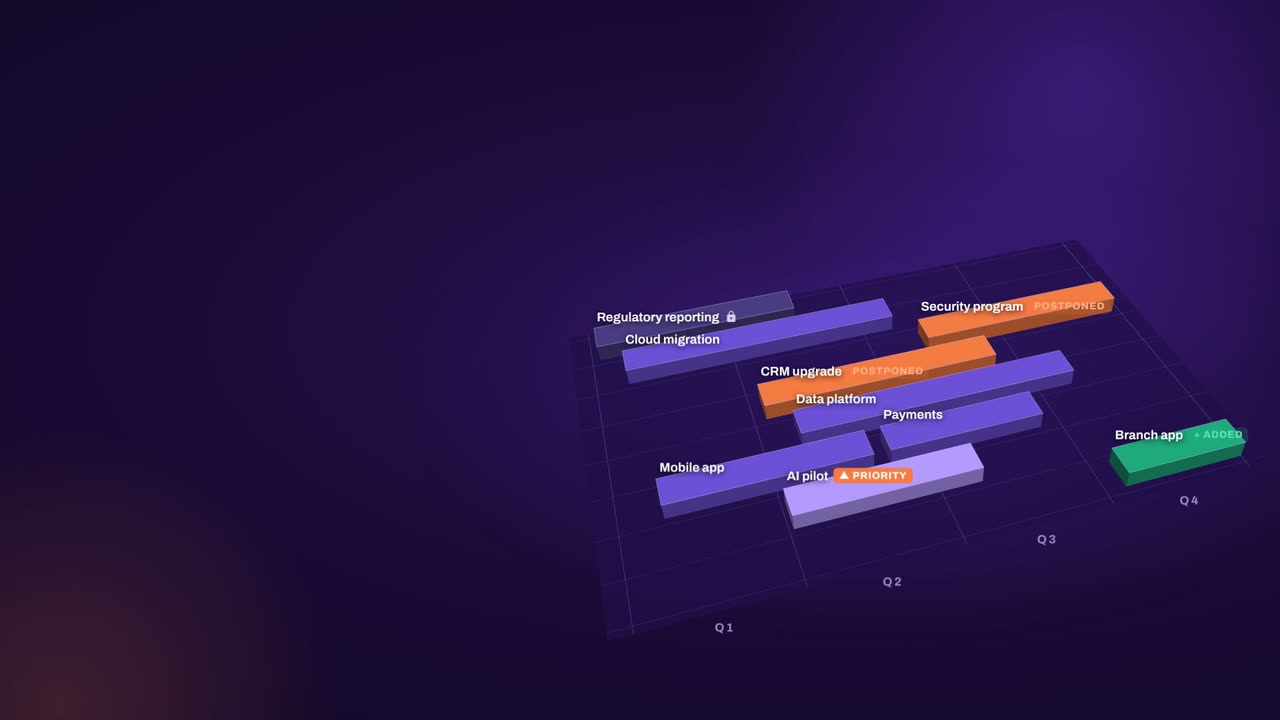
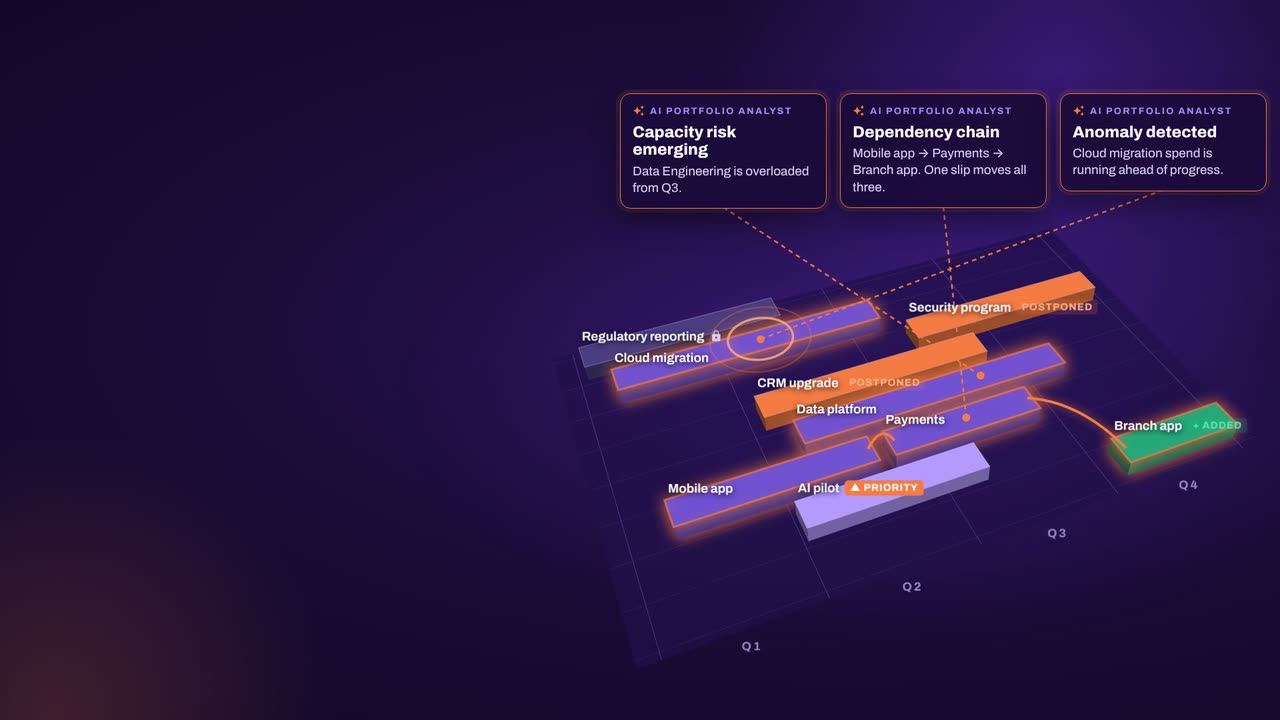
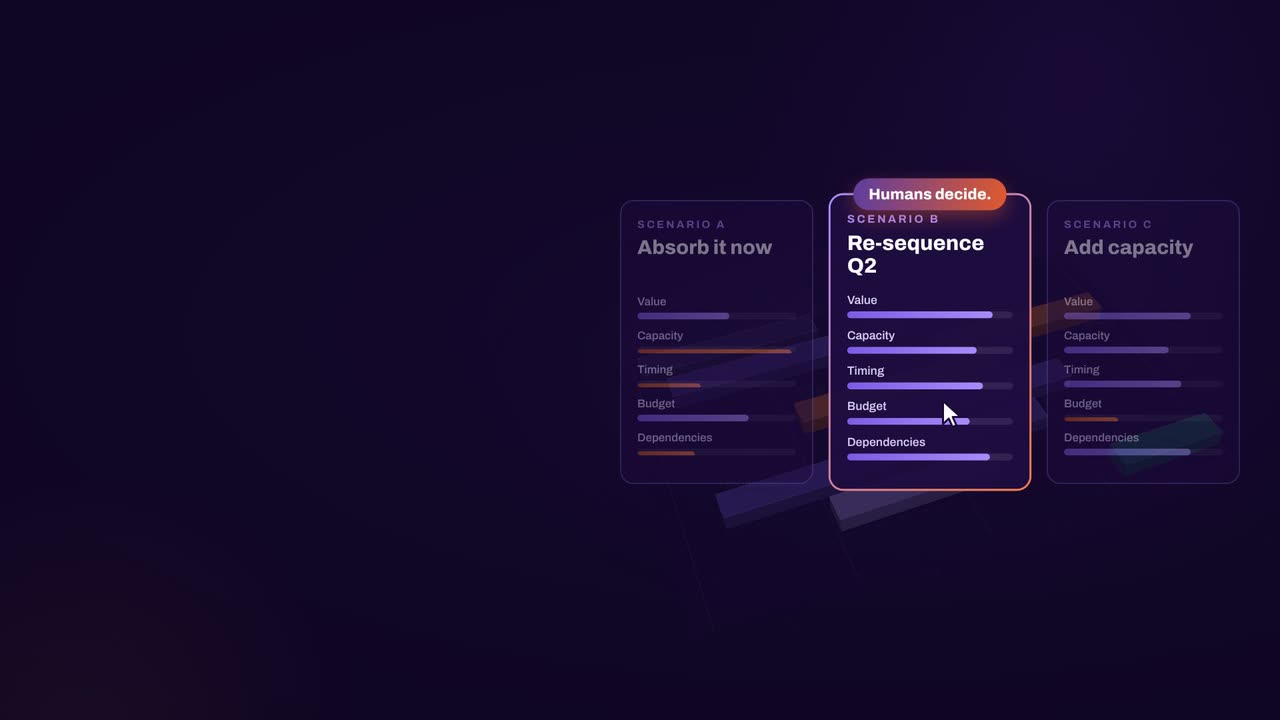
The result: faster, clearer decisions when it matters most.
What our customers report in their case studies. Read the customer results
Keep exploring
Book a demo
Book a demo and bring your change portfolio: the rollouts already landing, the initiatives waiting for approval and the departments asked to absorb them. We’ll show the load on one live plan.