Book a demo

Try “replan”, “SAFe”, “budget cuts” or “public sector”. Press / to search from any page.

  1. Home
  2. Initiatives
  3. Hiring freezes & capacity constraints

Hiring freezes & capacity constraints

Positions are frozen.Plan the capacity you really have.

A hiring freeze is announced as a finance decision, but it is a planning event. In aangine, you see which commitments a frozen role or a departing specialist puts at risk, replan around real capacity and answer “what would it take?” with a costed picture.

Explainer · 1:02Hiring freeze: when capacity movesMore on aangine TV

The challenge

Capacity changes quietly. The plan does not.

The roles an organization expected to fill were already in the plan, and the projects that needed them are still on the roadmap. When positions are frozen, nobody redoes the math. The plan says one thing, the capacity says another, and the gap appears months later as missed dates and commitments that slipped without a decision.

Most capacity shifts are never announced at all. A position is not backfilled. A team is pulled into operations for what was meant to be a few weeks. A specialist moves on, and a critical skill goes with them. An audit takes a share of a department’s project time. Each change is small. Together they turn the plan into fiction.

Then the exception requests arrive, and they all sound alike: “we really need this role.” Finance has heard it many times before. Without a way to show what a role delivers, or what slips without it, the decision comes down to who argues hardest, and the plan drifts further from the people who are actually available.


How aangine helps

A plan that follows the capacity you really have

Projects are projects; people are people. They take leave, change roles and get pulled into urgent work. Good plans expect capacity to move, and aangine makes replanning around it a single click.

Replan the day it changes

The day a freeze is announced, update capacity by team, role and skill and replan in one click. The plan shows which initiatives are now at risk, what moved and which team ran out, while locked, mandatory and fixed-date work stays where it is.

Run and change in view

Operations work sits in the same plan as projects, so a team pulled into operations shows up as project capacity that is no longer there, not as a surprise at the next steering meeting. When the plan rebalances, dependencies and deadlines are never broken.

A costed case for exceptions

Compare the plan with and without a role. See which initiatives slip, which objective falls short and what the role would deliver. Decision-makers see the trade-off on value, timing and strategy, and a clear, costed ask carries more weight than a passionate one.

Less time rebuilding plans

When you cannot add people, give the people you have a plan that works. Work is sequenced to real capacity, so fewer teams are overloaded and fewer projects start only to pause. Actuals are imported from the delivery tools, and nobody rebuilds a spreadsheet by hand.

In practice

Making the case for an exception

During a freeze, some roles really are critical to what the organization has committed to deliver. The way to show it is a comparison, not a plea.

  1. Replan without the role

    Start from the plan as it stands, set capacity to what is really available and replan in one click. Note which initiatives slip and which objective is now at risk.

  2. Replan with the role

    Create a second scenario in which the role is filled. It shows what the organization delivers, and when, if the exception is approved.

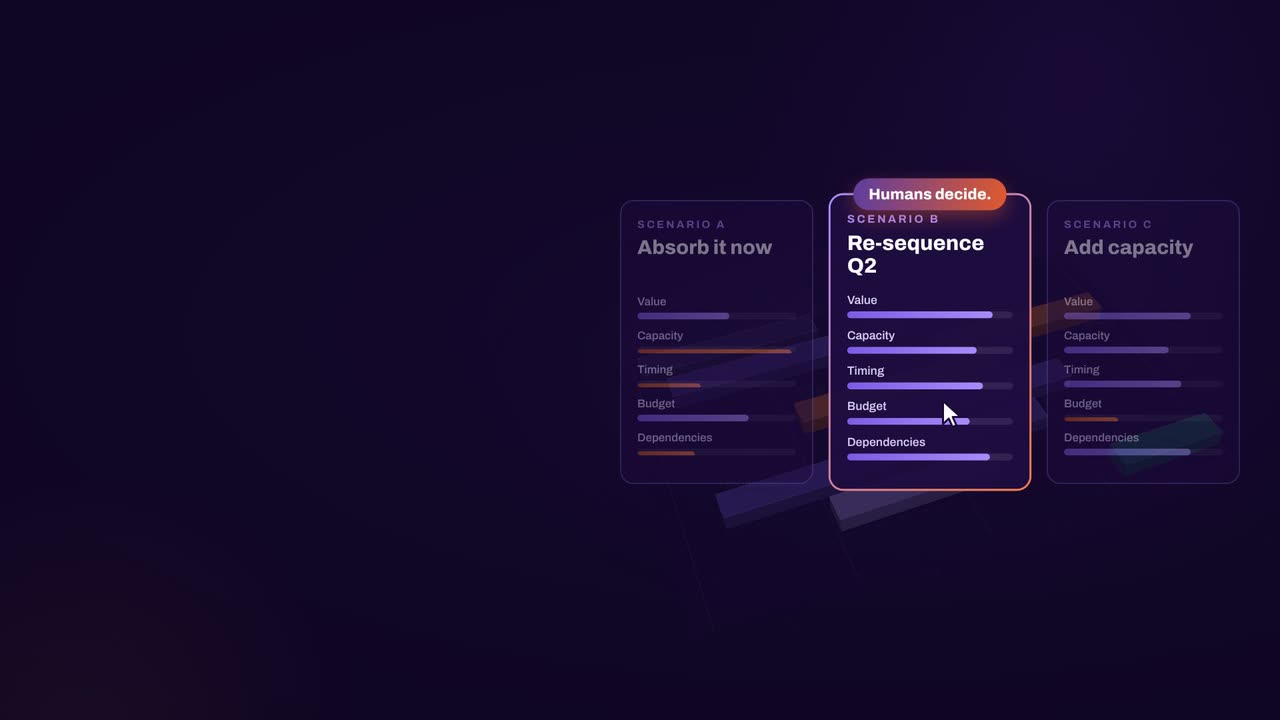
  3. Compare side by side

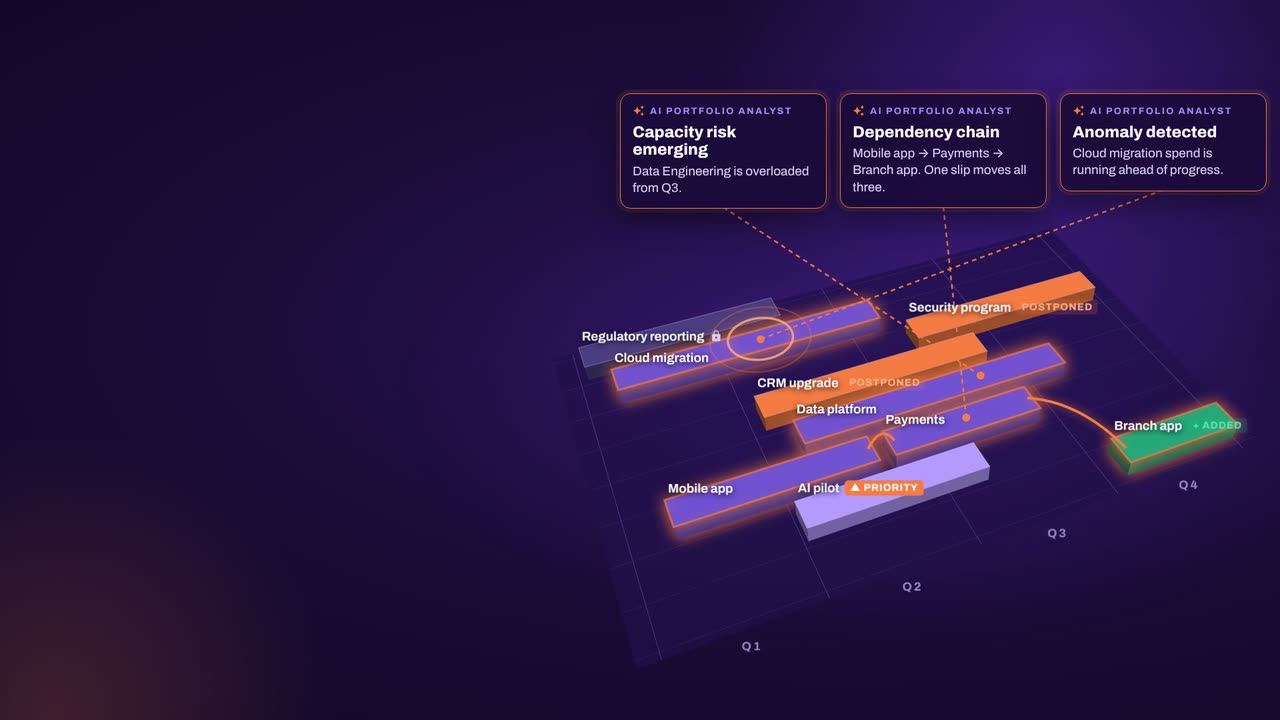
    Put both scenarios next to each other on cost, capacity, value and timing. The AI Portfolio Analyst highlights risks and writes a short summary; the numbers come from aangine’s algorithms.

  4. Let the approvers decide

    Bring the comparison to the people who approve exceptions. Whatever they choose, set the chosen scenario as the new baseline and push it back to the delivery tools.

How aangine works

Algorithms calculate and optimize; AI discovers and highlights; humans decide.

aangine is the decision layer above the tools you already use. No rip & replace: it imports your plans, replans them in one click and pushes the approved plan back.

Algorithmscalculate and optimize
AIdiscovers and highlights
Humansdecide

The result: faster, clearer decisions when it matters most.

100xfaster portfolio decisions
9%budget savings
30%shorter product cycles
22%more strategic outcomes
80+%projects delivered on time

What our customers report in their case studies. Read the customer results

Book a demo

Bring your frozen roles.See what each one carries.

Book a demo to talk through your capacity constraints: the positions on hold, the teams pulled into operations and the commitments you still need to meet.

Every Plan Meets Changeaangine in a minute · 58 seconds · sound on · captions

Transcript

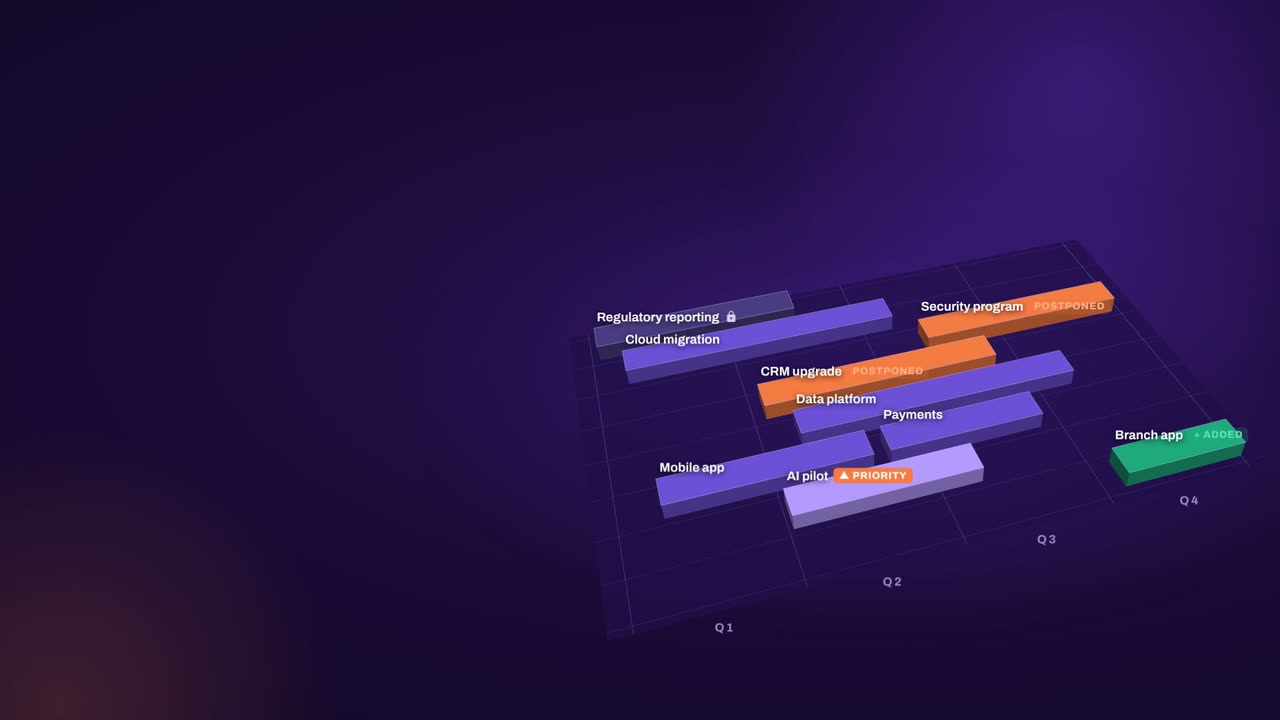
Your plan is perfect. For about five minutes. Then change crashes the party! The CEO wants a new project… That big milestone? Two months late. Your best team? Fighting fires. And priorities? Flipped! Cue days of rework, and yet another final-final deck. Now watch what aangine does. One click. Done! The whole plan just rebalanced. Next time the CEO asks, can we do it? You’ll know. In seconds. Algorithms calculate and optimize. AI discovers and highlights. Humans decide. The result: faster, clearer decisions when it matters most. aangine is the decision layer. Keep your tools. Even your spreadsheets! No rip and replace! A hundred times faster portfolio decisions. Nine percent budget savings. Five stars on Gartner Peer Insights. Change will come. Be ready to decide. Scan the code. See it live! aangine.

Book your assessment