

Budget next to the work
Every budget line is connected to the teams, roles and timelines it pays for. Move money and see what happens to delivery. Move work and see what happens to the budget. A reallocation becomes a decision you can explain.
For the Chief Financial Officer
Budget lines, CAPEX, OPEX and labor cost rates sit in the same plan as the teams and timelines they fund. Test cuts, reallocations and investment cases as scenarios, and see what each does to value and delivery before you commit.
The challenge
In most organizations, finance owns the budget model and the PMO owns the capacity spreadsheet. They meet once a quarter and disagree. The budget assumes work that teams can’t fit; the capacity plan ignores what the money is meant to buy. A CAPEX program needs the same architects as an OPEX improvement, and money moved to a later quarter lands on a team that is already full.
The gap gets expensive when the board asks for cost reduction. Headcount is the easy line to see. Unfinished work is harder: projects that stalled and restarted, teams split across so many initiatives that nothing completes, work that kept its funding after its priority changed. Cut people from that portfolio and you keep the waste while losing the capacity.
The same gap weakens the forecast. Each quarter the numbers are updated while the plan behind them stays the same: the same projects, dates and capacity assumptions, even after programs slipped and a team moved into operations. The forecast gets more precise and less true. And business cases describe the value of a yes, rarely what that yes quietly displaces.
“…from wishes & guesses to discussions based on facts and real possibilities.”
How aangine helps
A budget change and a capacity change are the same kind of event. Change either one, replan in one click, and finance and delivery see the trade-offs at the same moment.
Every budget line is connected to the teams, roles and timelines it pays for. Move money and see what happens to delivery. Move work and see what happens to the budget. A reallocation becomes a decision you can explain.
See which work is lowest-value and non-mandatory, and test stopping it. Sequence projects so teams aren’t spread too thin to finish anything. Mandatory and fixed-date work stays locked, and each option shows its effect on value and strategy before any cut is announced.
An investment proposal enters the plan as a scenario. The investment committee sees its effect on capacity, other projects’ dates, budget and value timing before it votes, so approving one business case no longer quietly delays another.
Actuals flow back from your PPM and delivery tools. The plan is compared with its baseline and replanned around what really happened, so the forecast rests on a plan that matches reality, every quarter and whenever change hits.
In practice
Before the budget is final, a few things belong on the table. Most organizations build them in separate spreadsheets and reconcile by hand; in aangine they sit in one plan, next to the money.
Bring every funded initiative into one plan from your PPM tools and spreadsheets, each linked to the strategic priority it serves. Estimates are fine to start.
Set real capacity by team, after operations and the day job. Mark what is truly mandatory, and separate it from work that is funded out of habit.
Lay out scenarios side by side: what’s in, what’s out, what moves. Each shows its cost, capacity, value and timing, so the trade-offs are explicit.
Approve the chosen scenario as the baseline the year is measured against and push it back to the delivery tools. Plan versus actual is tracked from the start.
How aangine works
aangine is the decision layer above the tools you already use. No rip & replace: it imports your plans, replans them in one click and pushes the approved plan back.
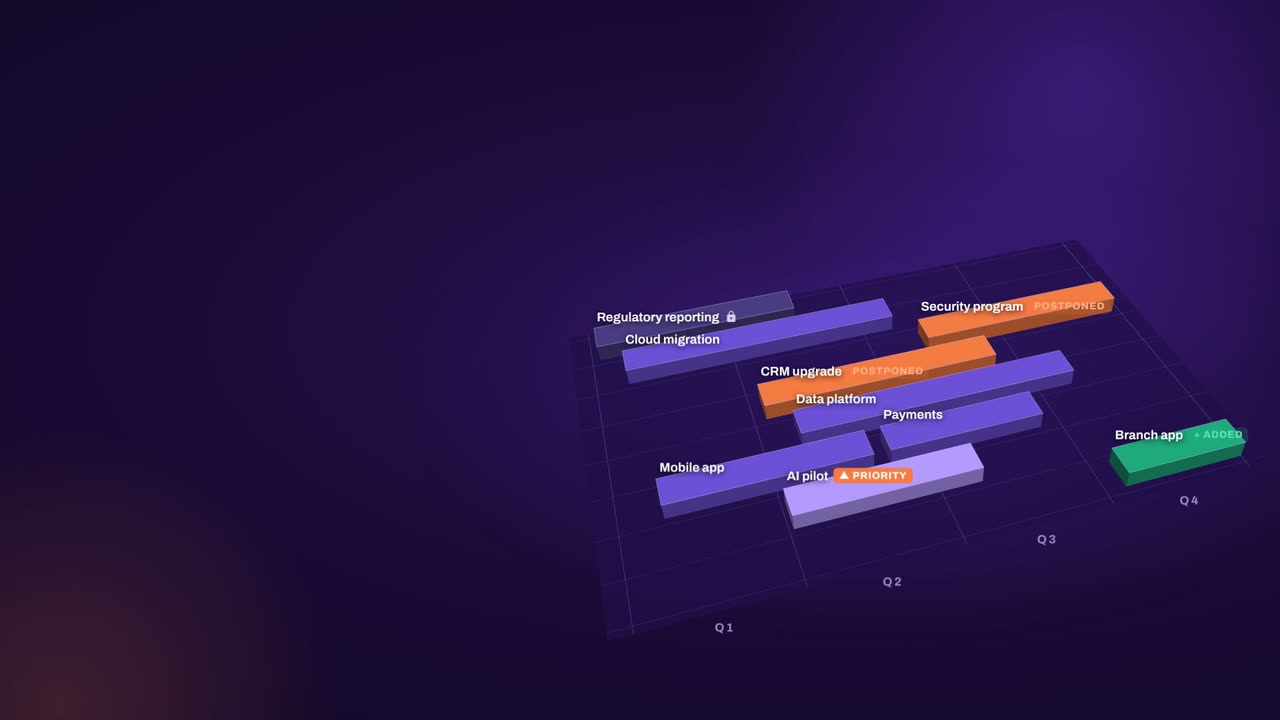
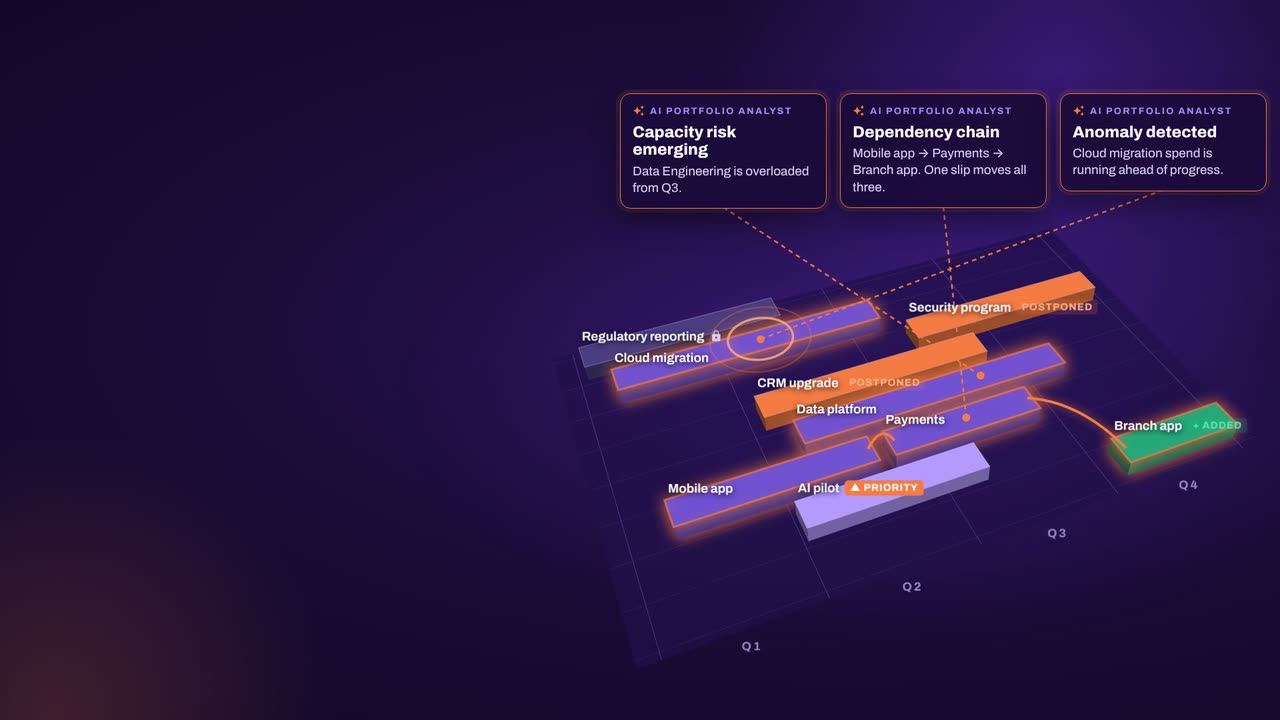
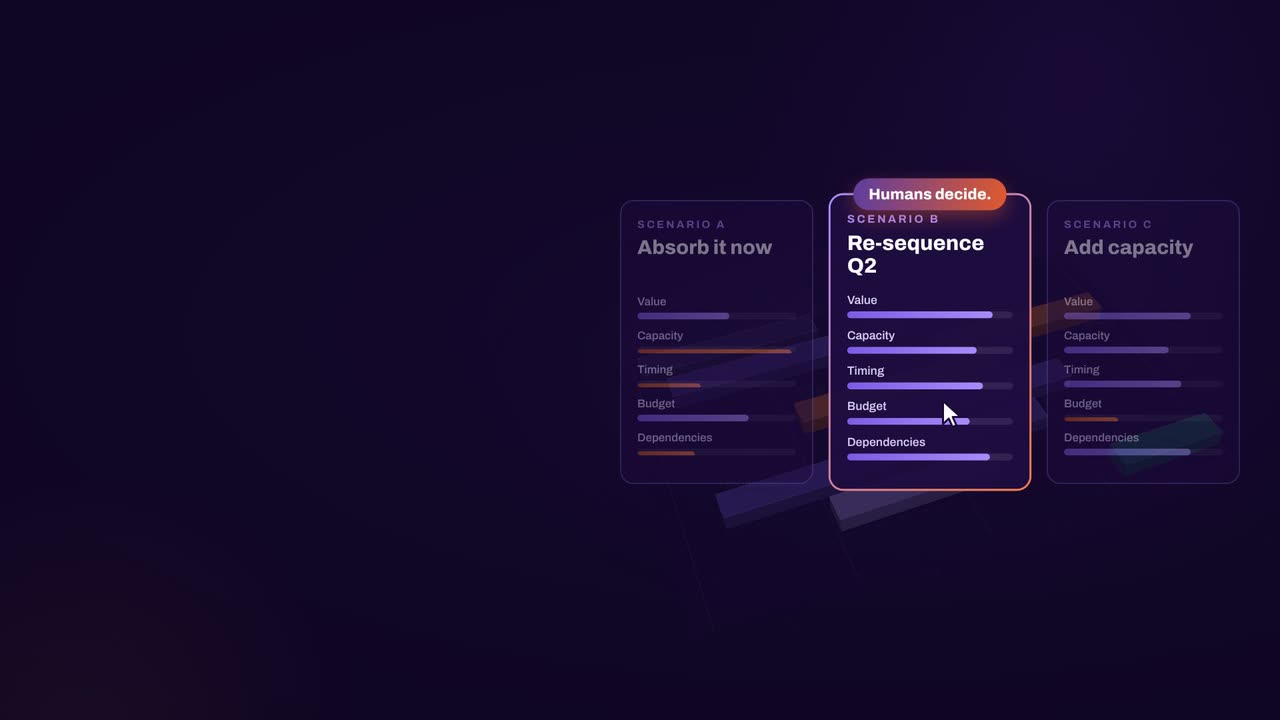
The result: faster, clearer decisions when it matters most.
What our customers report in their case studies. Read the customer results
Keep exploring
Book a demo
Book a demo to talk through your budget cycle, cost-out mandate or investment pipeline, and see your own trade-offs between money, people and delivery in one plan.