Book a demo

Try “replan”, “SAFe”, “budget cuts” or “public sector”. Press / to search from any page.

  1. Home
  2. Initiatives
  3. ERP, core systems & cloud migration

ERP & core systems

Lock the go-live.Replan everything around it.

ERP, core banking and cloud migration programs claim your best architects, testers and business experts. Plan the program and the rest of the portfolio together, and see which teams it pulls in, what slips when it slips, and where room remains.

Book a demo

The challenge

Every mega-program casts a shadow.

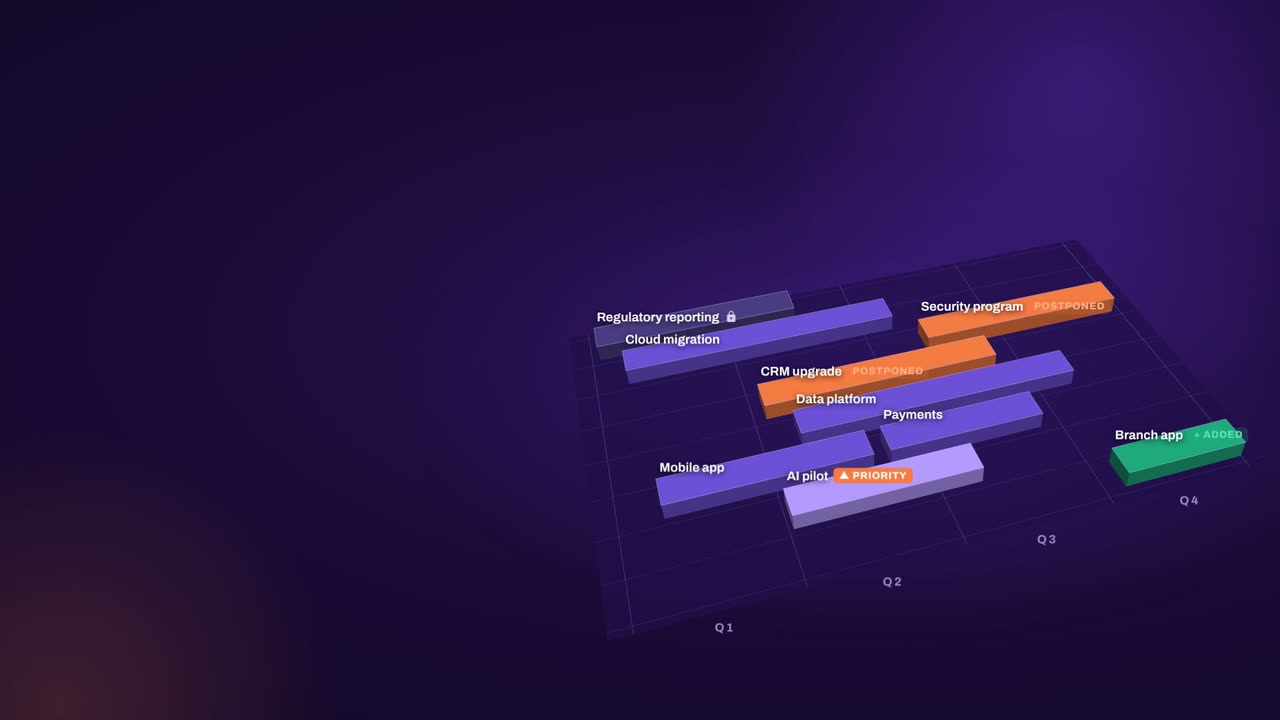
A large ERP program, a core banking replacement or a cloud migration takes the people everything else depends on. It claims the best architects. It needs business experts who also run operations. Its testing phases absorb whole departments. Most portfolio views show the program itself. Few show its shadow: the initiatives squeezed and the teams overloaded around it.

When the go-live moves, everything planned around it moves too. Process teams stay tied up longer. The data migration team cannot start its next initiative. Projects that depend on the new system wait, and planned budget shifts from one quarter to the next. Working that out by hand takes weeks of meetings, and by the time the impact is understood, something else has changed.

Meanwhile “after go-live” becomes the answer to every request. Innovation and customer-facing improvements wait, not because anyone decided they should, but because nobody can show what is possible alongside the program. Migration waves have the same problem: tidy on a slide, until an application team is pulled into an incident and a wave lands in the busiest season of the year.


“…such tool is essential for active steering of the transformation execution.”

Gartner Peer Insights — 5-Star Review
Head of Transformation & Programs, Telecommunications

How aangine helps

The program and the portfolio in one plan

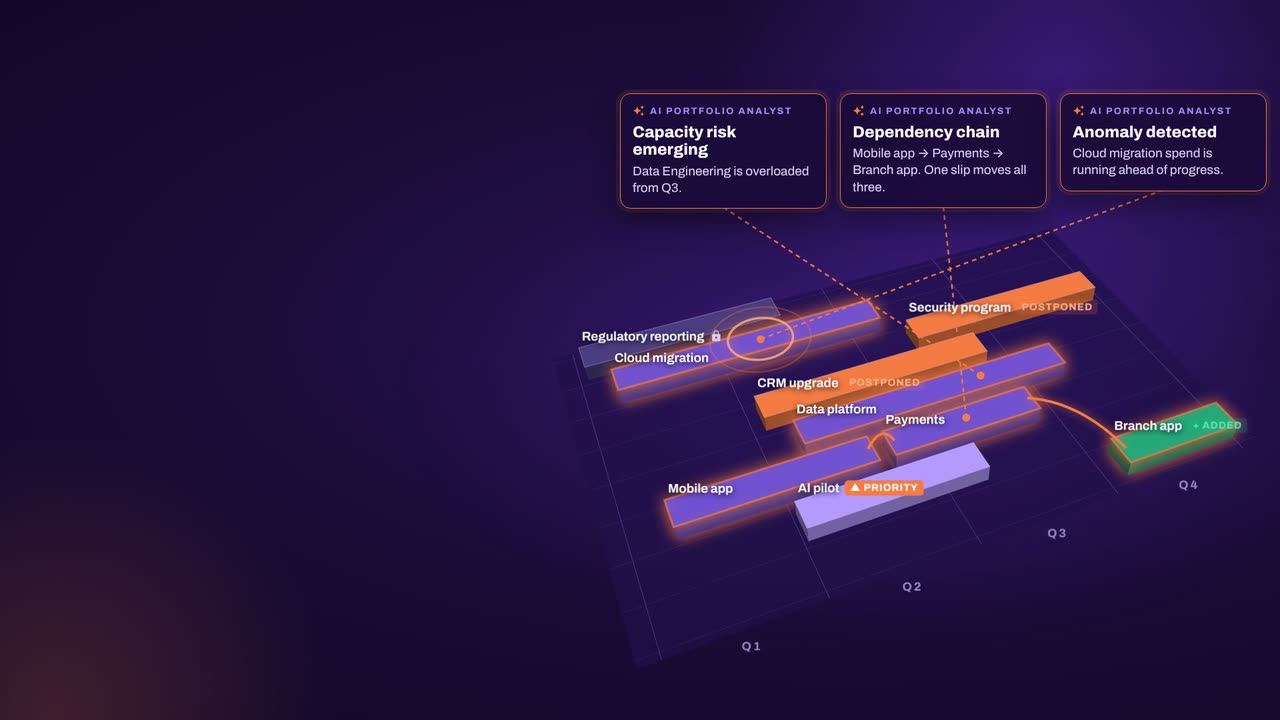
Treat the program as a locked commitment, then ask what else you can responsibly do. That is a calculation: aangine’s algorithms work it out, your leaders decide, and the approved plan goes back to your delivery tools.

Lock the program, replan the rest

Lock the go-live and the milestones that cannot move. One click replans the rest of the portfolio around them, without breaking a dependency, and shows which initiatives were squeezed, which teams are overloaded and what it would take to protect the work the business cannot pause.

Move the milestone in a scenario

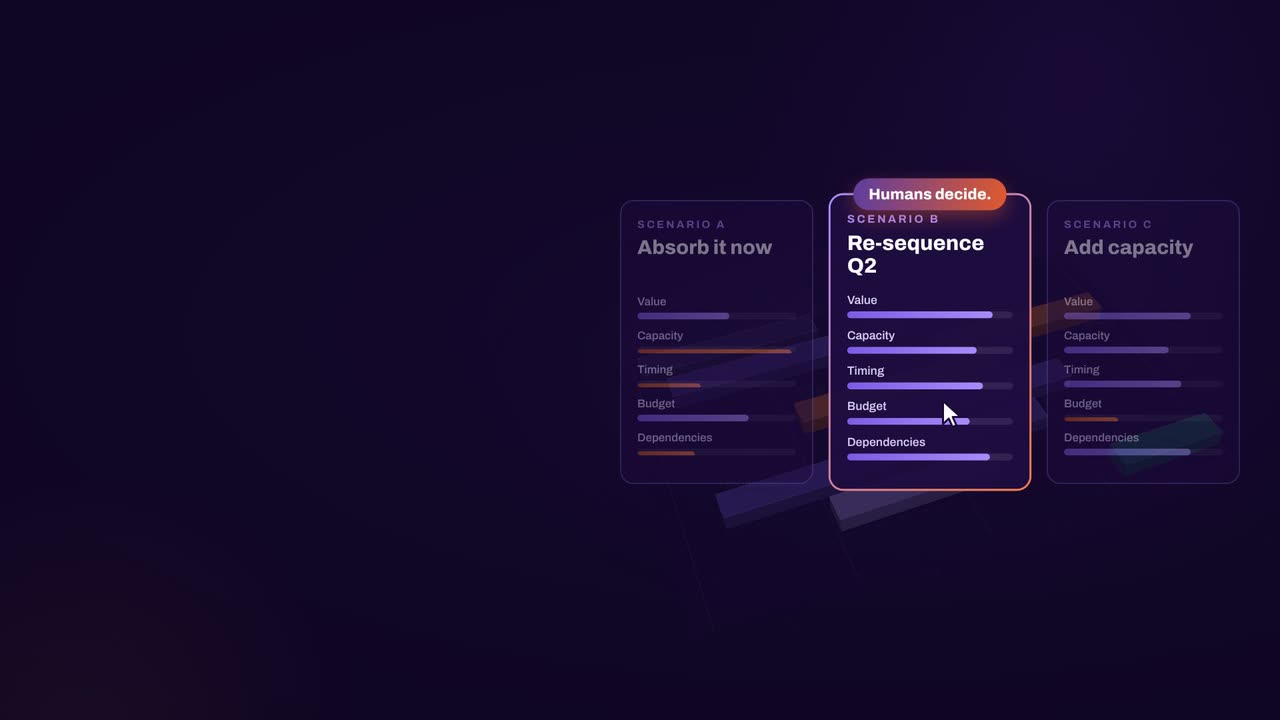
When the go-live shifts, model it as a scenario instead of a series of meetings. Move the milestone, replan and see every impacted team, budget and dependency side by side with the current plan. Then decide what to protect while everyone is still in the room.

Find room for critical work

With capacity planned by team, role and skill, including the run work operations still need, the replan shows where there is room alongside the program. Waiting demand that now fits comes in, higher priority first, and the program’s dependencies stay intact.

Migration waves as portfolio work

Plan each migration wave as demand competing for the same teams, skills and budget as everything else. When an incident pulls a team away or a vendor contract changes, the waves replan with the rest of the portfolio instead of on a separate slide.

In practice

See when the program needs your people

Big programs have predictable shapes: analysis, build, test, deploy. Each phase needs a different mix of roles, and you can plan for that long before the detailed plan exists.

  1. Shape the program by phase

    Break the program into phases or work packages and estimate the roles each one needs. Rough estimates are enough to start; data quality improves as you plan.

  2. Load everything else

    Import the rest of the portfolio from your PPM, Jira, Azure DevOps and spreadsheets, so the program’s testers, architects and business experts appear against all their other demand.

  3. Find the collisions

    Replan and see when the program needs a role that other initiatives also need, which team or budget runs out first, and what moved as a result.

  4. Commit and keep it current

    Approve a scenario, keep it as the baseline and push it back to delivery tools. Track plan against actual, and replan when the next milestone moves.

How aangine works

Algorithms calculate and optimize; AI discovers and highlights; humans decide.

aangine is the decision layer above the tools you already use. No rip & replace: it imports your plans, replans them in one click and pushes the approved plan back.

Algorithmscalculate and optimize
AIdiscovers and highlights
Humansdecide

The result: faster, clearer decisions when it matters most.

100xfaster portfolio decisions
9%budget savings
30%shorter product cycles
22%more strategic outcomes
80+%projects delivered on time

What our customers report in their case studies. Read the customer results

Book a demo

Go-lives move.Know what moves with it.

Book a demo and bring your program plan, the go-live milestones you cannot miss and the list of work the business is waiting for. We will talk through what fits alongside your program.

Every Plan Meets Changeaangine in a minute · 58 seconds · sound on · captions

Transcript

Your plan is perfect. For about five minutes. Then change crashes the party! The CEO wants a new project… That big milestone? Two months late. Your best team? Fighting fires. And priorities? Flipped! Cue days of rework, and yet another final-final deck. Now watch what aangine does. One click. Done! The whole plan just rebalanced. Next time the CEO asks, can we do it? You’ll know. In seconds. Algorithms calculate and optimize. AI discovers and highlights. Humans decide. The result: faster, clearer decisions when it matters most. aangine is the decision layer. Keep your tools. Even your spreadsheets! No rip and replace! A hundred times faster portfolio decisions. Nine percent budget savings. Five stars on Gartner Peer Insights. Change will come. Be ready to decide. Scan the code. See it live! aangine.

Book your assessment