Book a demo

Try “replan”, “SAFe”, “budget cuts” or “public sector”. Press / to search from any page.

  1. Home
  2. Frameworks
  3. PRINCE2, MSP and MoP

PRINCE2, MSP and MoP

Each boundary is a decision.See the whole portfolio first.

PRINCE2, MSP and MoP ask for evidence-based decisions at stage boundaries, at the end of each tranche and in every portfolio cycle. As the decision layer above your project tools, aangine shows what continuing, pausing or re-scoping does to everything else.

Book a demo

The planning gap

A project board sees its project. The knock-on effects land elsewhere.

PRINCE2 builds control around managing by stages and managing by exception. At each stage boundary, the project board asks whether the business case still holds. Now a stage is forecast to exceed its time tolerance, and the exception plan asks for more time and more engineers. Those engineers were planned into another project’s stage, and the extra months push a dependent release into the next fiscal year. None of it belongs to this project, so it surfaces weeks later in someone else’s highlight report.

MSP delivers a program in tranches, steps of new capability with a chance to stop, adjust or carry on after each one. The end of a tranche is when the program asks its most useful question: is the next tranche still the right one? Answering it well takes more than a status report. The board needs to know what the next tranche asks of shared teams, what else competes for them, and which benefits move if it is re-scoped or delayed.

MoP treats resource management as a portfolio practice, not a project one, for good reason. Only the portfolio can see that the same architects are planned into several projects, a program and the day job of running live services. Benefits are defined, owned and reviewed with care, yet the decisions that move them are often made elsewhere: a capacity shortfall pushes a project out, a new mandate takes a team. Nobody decided to delay the benefits. They just moved.


How aangine works with the methods

The decision layer for every stage, tranche and portfolio cycle

Your definitions, categories, tolerances and criteria stay yours, and PRINCE2 project management stays in your own tools. Above them, one live plan connects projects, programs, capacity, budget and strategy, and replans in one click when the picture changes.

The definition cycle on live data

Understand what you have by importing projects, capacity, budgets and actuals. Categorize by project type and strategic priority, marking mandatory work so it never moves. Prioritize by business unit or score with several evaluators. Balance by comparing scenarios. Plan with algorithms that fit work to real capacity, then lock, accept or adjust.

Resource management at portfolio level

Plan capacity by team, role or skill, or by person where it matters, with operations and service work next to projects, period by period. Calendars and temporary reductions are included, so an overloaded pool is visible across the timeline well before the next stage boundary.

Exception plans tested in context

Load the exception plan into the portfolio before the board meets. One click replans everything around it, keeping dependencies, deadlines and locked work intact, and shows which projects move and which team or budget ran out. The board still decides, now with the whole portfolio in view.

Strategy linked to each decision

Strategy links to initiatives, objectives and projects, so any decision on the table shows which strategic priority and objective it touches and how value timing shifts. Ask “why can’t we do this initiative?” and drill down to the team or budget line that blocks it, before the meeting ends.

In practice

An end-of-tranche review that ends in a decision

The end of a tranche is a decision, not a milestone. With each option as a scenario, the program board chooses with the trade-offs in plain sight.

  1. Load the next tranche

    Bring the next tranche into the live plan with its demand on shared teams, by role or skill. Estimates are fine to start with; the plan sharpens as you use it.

  2. Build the options

    Pull the tranche forward, split it or delay it. Each option becomes a scenario, replanned in one click with dependencies, deadlines and locked work held.

  3. Compare side by side

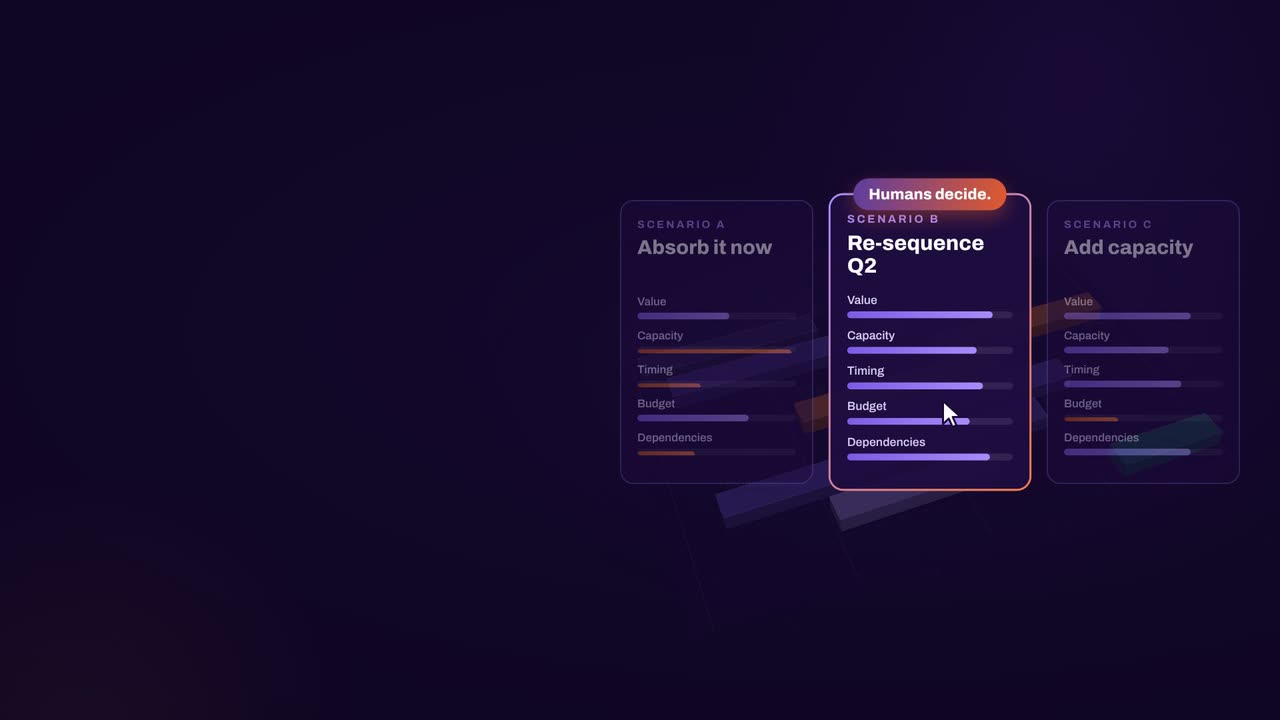
    Compare capacity, budget, dependencies and value timing across the options, and see what else in the portfolio competes for the same teams.

  4. Choose and baseline

    The program board picks one. The approved plan becomes a baseline and flows back to your PPM and delivery tools, so delivery starts from the decision.

How aangine works

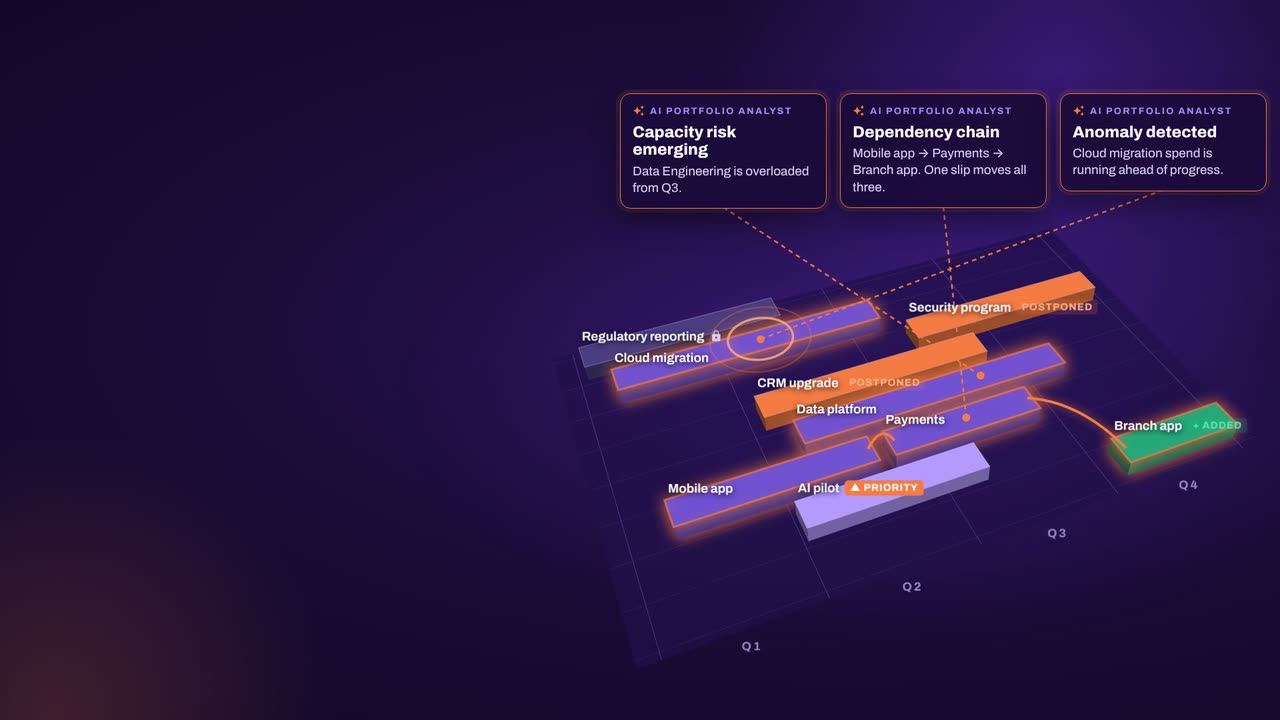
Algorithms calculate and optimize; AI discovers and highlights; humans decide.

aangine is the decision layer above the tools you already use. No rip & replace: it imports your plans, replans them in one click and pushes the approved plan back.

Algorithmscalculate and optimize
AIdiscovers and highlights
Humansdecide

The result: faster, clearer decisions when it matters most.

100xfaster portfolio decisions
9%budget savings
30%shorter product cycles
22%more strategic outcomes
80+%projects delivered on time

What our customers report in their case studies. Read the customer results

Keep exploring

PRINCE2, MSP and MoP are registered trademarks of the PeopleCert group. Framework and method names are used to identify them only. aangine and Continuous Software are not affiliated with, or endorsed by, the owners of these frameworks and methods.

Book a demo

Bring your next boundary decision.Leave knowing what it changes.

Book a demo and bring your portfolio definition, a live exception plan or your next tranche. We’ll work through it against your own capacity, budgets and strategic priorities.

Every Plan Meets Changeaangine in a minute · 58 seconds · sound on · captions

Transcript

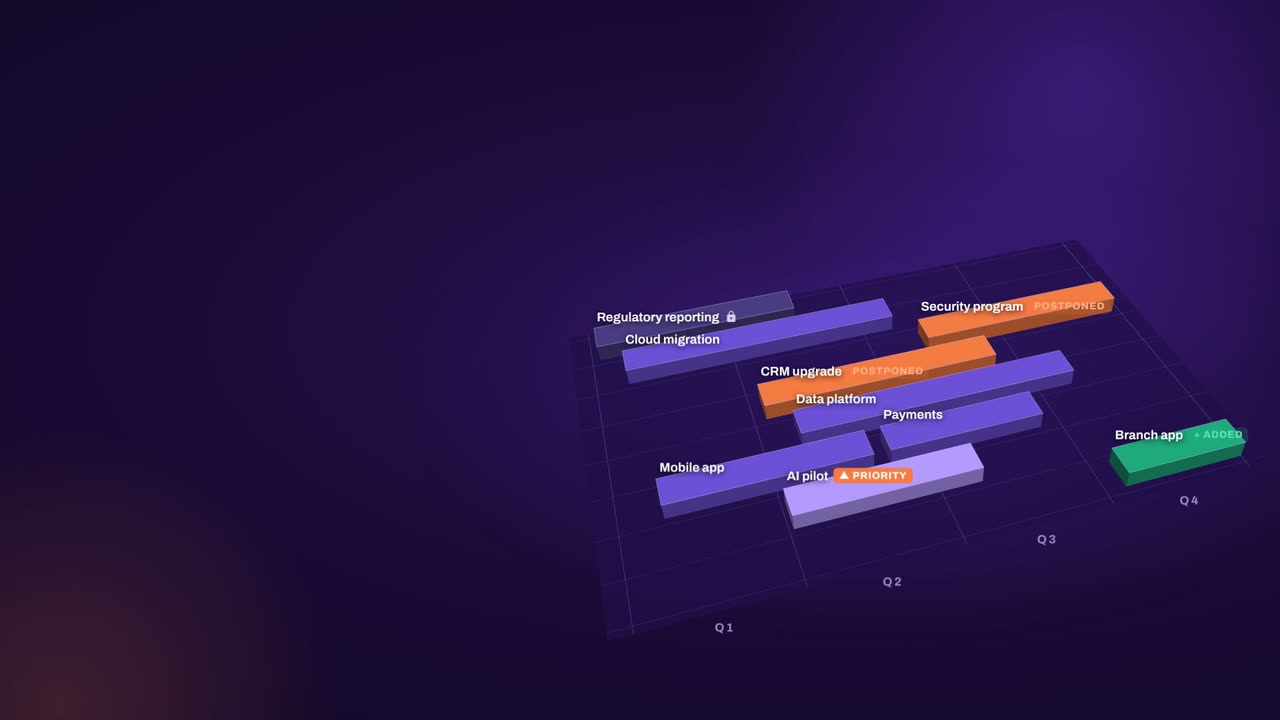
Your plan is perfect. For about five minutes. Then change crashes the party! The CEO wants a new project… That big milestone? Two months late. Your best team? Fighting fires. And priorities? Flipped! Cue days of rework, and yet another final-final deck. Now watch what aangine does. One click. Done! The whole plan just rebalanced. Next time the CEO asks, can we do it? You’ll know. In seconds. Algorithms calculate and optimize. AI discovers and highlights. Humans decide. The result: faster, clearer decisions when it matters most. aangine is the decision layer. Keep your tools. Even your spreadsheets! No rip and replace! A hundred times faster portfolio decisions. Nine percent budget savings. Five stars on Gartner Peer Insights. Change will come. Be ready to decide. Scan the code. See it live! aangine.

Book your assessment