Book a demo

Try “replan”, “SAFe”, “budget cuts” or “public sector”. Press / to search from any page.

  1. Home
  2. Initiatives
  3. Annual planning & budgeting

Annual planning & budgeting

Every unit asked for more.Show the board what it takes.

Planning season is where demand meets capacity and budget for the year. With aangine, months of negotiation become scenarios compared side by side, and the season ends with a baseline that is built to change.

Explainer · 1:02Planning season: more demand than capacityMore on aangine TV

The challenge

A plan that takes months and lasts weeks

Every business unit sends its list, and together they ask for far more than the organization can deliver. Finance needs a number by a date that will not move. The board wants a plan. IT and the PMO push back, the business hears “no,” and the season becomes a campaign in which the loudest request wins rather than the most valuable one.

The numbers live in separate places. Budgets are built in one model, capacity in another and project plans in a third, so nobody notices until the year is underway that a budget line assumes people who are already committed. Yet a budget line is a promise about work: specific skills, in specific months, alongside the day job.

Then come the versions. Every change means rebuilding a spreadsheet by hand, reconciling data from several systems and another round of meetings, until nobody is sure which file is final. The cost is not only the hours. It is the decisions that waited, and an annual plan that took the longest to build and is the first to go out of date.


“…from wishes & guesses to discussions based on facts and real possibilities.”

Gartner Peer Insights — 5-Star Review
Head of Transformation & Programs, Telecommunications

How aangine helps

Planning season as a set of scenarios

As the decision layer, aangine sits above the PPM and delivery tools you already run. Demand, capacity and budgets come in from them and from Excel, and the approved plan goes back. No rip & replace.

Show what it takes

Load all the demand, not a pre-trimmed version of it. The plan shows what it would take to deliver most of it, or all of it, in people, skills and budget, and exactly which initiatives do not fit and why. IT stops saying no and starts showing choices.

Money and people, planned together

Budget lines, CAPEX and OPEX and cost rates sit next to the teams, roles and skills that consume them, including run and operations work. If a budget does not fit the capacity, or the other way round, it shows up during the season instead of halfway through the year.

Every version is a scenario

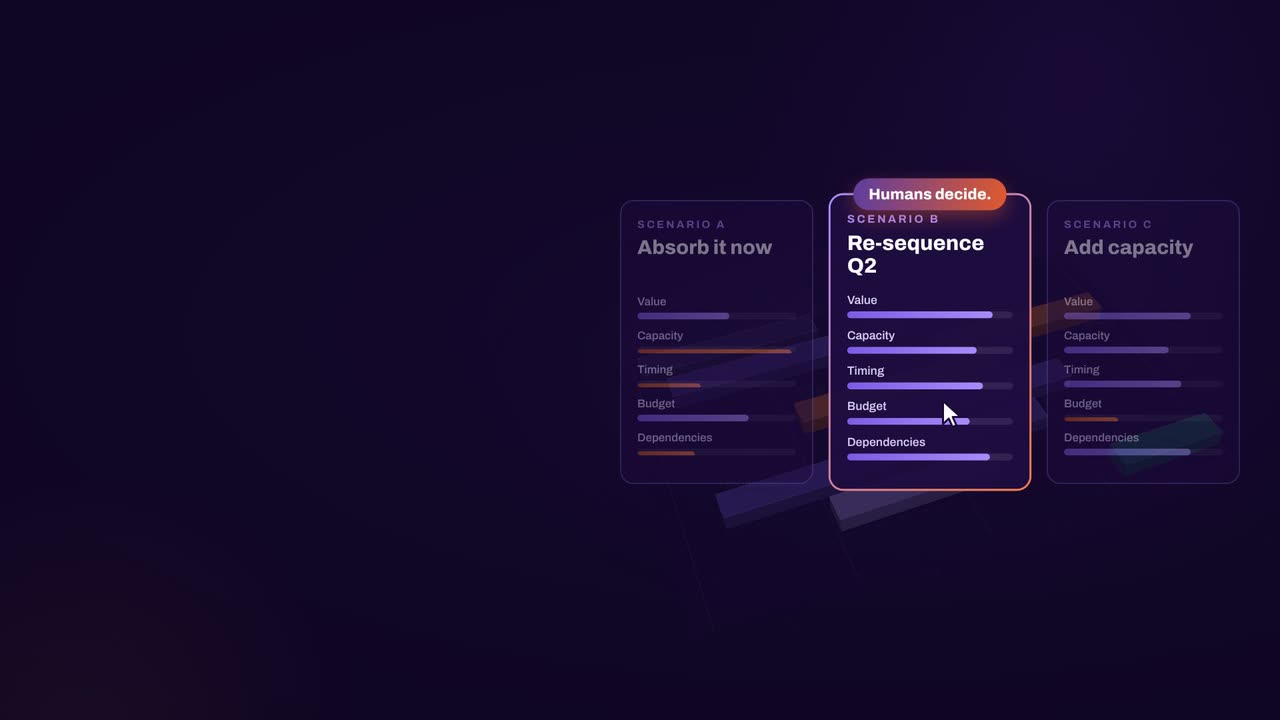
Each version of next year’s plan is a scenario, built from demand ranked by value and priority and compared side by side on cost, capacity, value and timing, in the meeting. When one is approved, it becomes the baseline. No more files named final, then final again.

A baseline ready to change

Actuals come back from your delivery tools, so plan versus actual stays visible all year. When the first surprise arrives, one click replans around it. Locked and fixed-date work never moves, dependencies hold, and change becomes a decision rather than a deviation.

In practice

From wish lists to an agreed baseline

A planning season run as scenarios follows a simple sequence. It starts with the data you have today: data quality is an outcome of planning, not a prerequisite, and people keep their numbers accurate once they see them used.

  1. Start with what you have

    Import every request from the tools and spreadsheets it lives in. Project type and total effort are enough for a credible first plan, and estimates sharpen as the season goes on.

  2. Load all the demand

    Set every unit’s request against real capacity by team, role and skill, after operations and the day job. The gap between what is asked and what is possible becomes visible.

  3. Rank and compare

    Rank by value and priority, then compare scenarios: deliver most of the demand, deliver all of it, or hold the budget. Each shows its cost, capacity, value and timing.

  4. Agree on the baseline

    Approve the chosen scenario, push it back to the delivery tools and save it as the baseline. Replan monthly, quarterly and whenever change hits, from the same live data.

How aangine works

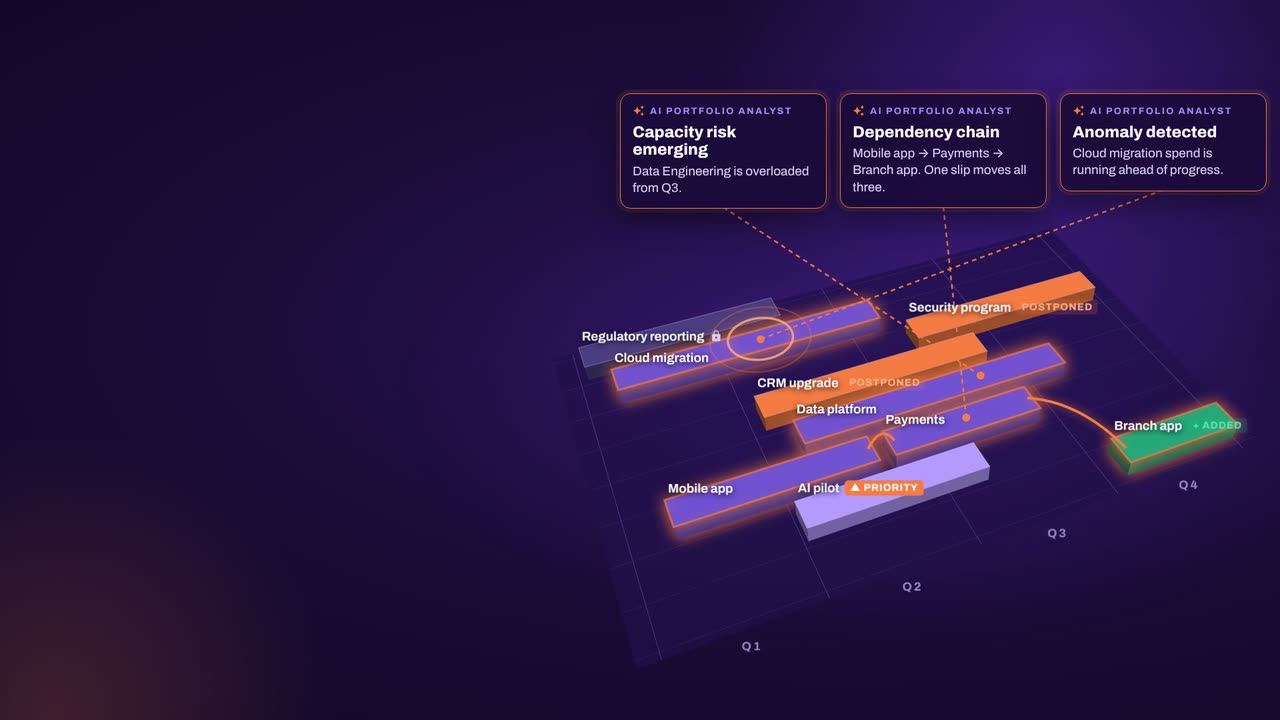
Algorithms calculate and optimize; AI discovers and highlights; humans decide.

aangine is the decision layer above the tools you already use. No rip & replace: it imports your plans, replans them in one click and pushes the approved plan back.

Algorithmscalculate and optimize
AIdiscovers and highlights
Humansdecide

The result: faster, clearer decisions when it matters most.

100xfaster portfolio decisions
9%budget savings
30%shorter product cycles
22%more strategic outcomes
80+%projects delivered on time

What our customers report in their case studies. Read the customer results

Book a demo

Bring every unit’s wish list.See what it would take.

Book a demo to talk through your planning season: the demand your units have submitted, the capacity and budget you really have, and the deadline you are working to.

Every Plan Meets Changeaangine in a minute · 58 seconds · sound on · captions

Transcript

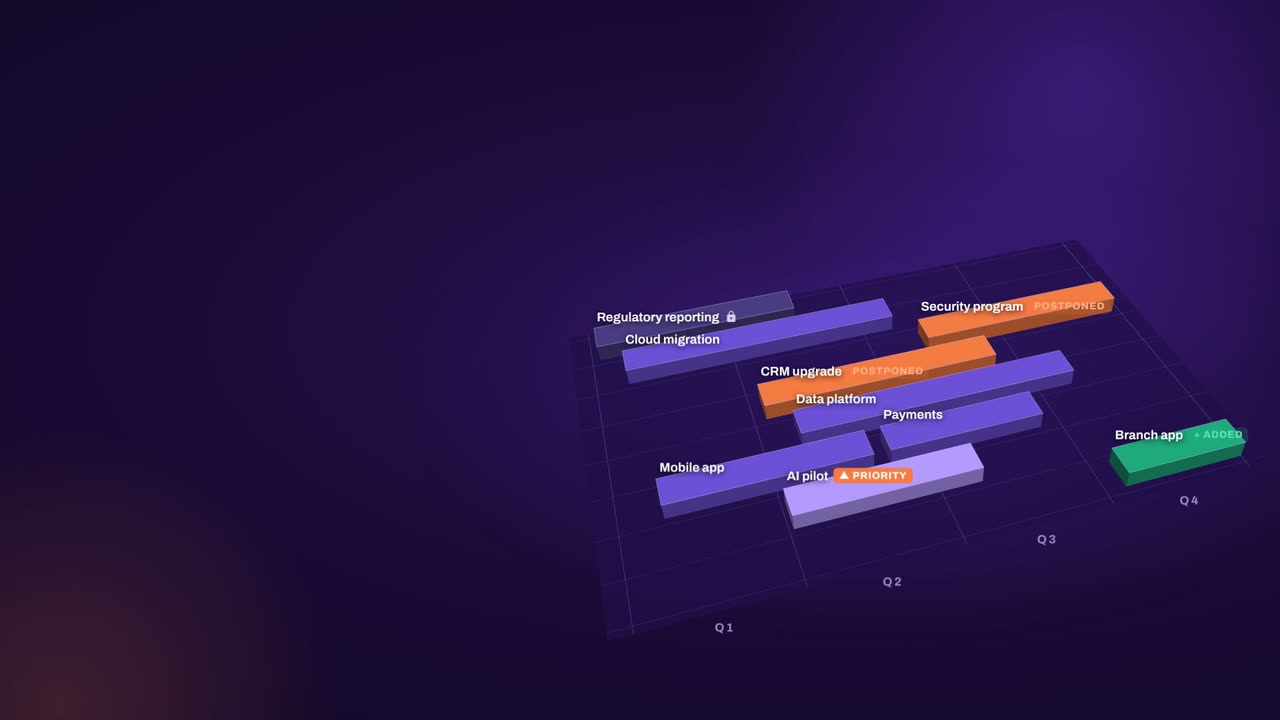
Your plan is perfect. For about five minutes. Then change crashes the party! The CEO wants a new project… That big milestone? Two months late. Your best team? Fighting fires. And priorities? Flipped! Cue days of rework, and yet another final-final deck. Now watch what aangine does. One click. Done! The whole plan just rebalanced. Next time the CEO asks, can we do it? You’ll know. In seconds. Algorithms calculate and optimize. AI discovers and highlights. Humans decide. The result: faster, clearer decisions when it matters most. aangine is the decision layer. Keep your tools. Even your spreadsheets! No rip and replace! A hundred times faster portfolio decisions. Nine percent budget savings. Five stars on Gartner Peer Insights. Change will come. Be ready to decide. Scan the code. See it live! aangine.

Book your assessment