Book a demo

Try “replan”, “SAFe”, “budget cuts” or “public sector”. Press / to search from any page.

  1. Home
  2. Frameworks
  3. SAFe (Scaled Agile Framework)

SAFe

Capacity changed mid-PI.The portfolio sees it this week.

For SAFe portfolios, aangine is the decision layer above the Agile Release Trains: epics planned against real capacity, value stream budgets compared as live scenarios, and PIs still planned by the ARTs in Jira, Azure DevOps or Rally.

Book a demo

Between PIs

The PI plan is agreed. Then the portfolio changes.

PI Planning is one of the strongest things SAFe gives an organization: every team in the room, dependencies found, PI Objectives written and owned. Inside each ART, teams adapt quickly when something shifts, because that is what iterations are for. The harder questions sit one level up. A key architect leaves, a regulatory epic jumps the queue, or a team moves to another train, and the effect reaches well beyond one backlog.

Which epics across the portfolio does this delay? Which ART has room to absorb the work? What should Business Owners hear about the next PI? Each question becomes a request for an impact analysis, and each analysis takes days, because the portfolio picture lives in slides built for the last event. Meanwhile an epic with a Lean business case sits ready in the portfolio Kanban, waiting for someone to say whether the ARTs can carry it.

Participatory Budgeting meets the same gap. Splitting the portfolio budget across value streams is collaborative by design, but each value stream arrives with its own spreadsheet, cost assumptions and list of epics, and comparing them takes most of the session. The events and guardrails are sound. What they need is a portfolio plan that is current when the question is asked.


How aangine works with SAFe

A live portfolio layer above the ARTs

Epics, capacity and budgets come in from the tools you already run; when something changes, aangine replans the portfolio and pushes the approved plan back. PI Planning, the portfolio Kanban and team backlogs stay exactly where they are.

Epics against ART capacity

Epics and initiatives are planned as portfolio items against ART, team or role capacity by month or quarter, with run and support work counted alongside. WSJF or other scores you already use can feed prioritization. Change capacity or add an epic, and one click replans the whole portfolio.

Room for the next epic

When an epic is ready in the portfolio Kanban, add it with its type and total effort. See the load it puts on each ART, period by period, and compare “pull it in now” with “start next PI.” If it doesn’t fit yet, the plan names the ART or budget that ran out.

Value stream budgets as scenarios

Load committed epics, new epics and the run work each value stream carries, with budget lines, cost rates and the CAPEX and OPEX split. Compare funding all of the demand with funding part of it, then shift budget between value streams and replan in the room. Mandatory work never moves.

Evidence for the guardrails

Lean Budget Guardrails get a current plan behind them. Link epics to the strategic priorities they serve to see the investment mix over time, plan capacity allocation with run work included, and run significant initiatives as scenarios before approval. Business Owners see the same live plan as the LPM team.

In practice

A mid-PI change, answered the same week

A key architect leaves, a regulatory epic jumps the queue and another ART asks to borrow teams for an urgent integration. The portfolio responds without waiting for the next PI.

  1. Update capacity and demand

    Reduce the affected ART’s capacity, add the regulatory epic and mark it mandatory. Estimates are fine at this stage; data quality improves through planning.

  2. Replan in one click

    The algorithms rebalance the portfolio around capacity, dependencies, budgets and priorities. Overloads clear, deadlines hold, locked commitments stay put, and the plan shows which ART or budget ran out and what moved.

  3. Compare the options

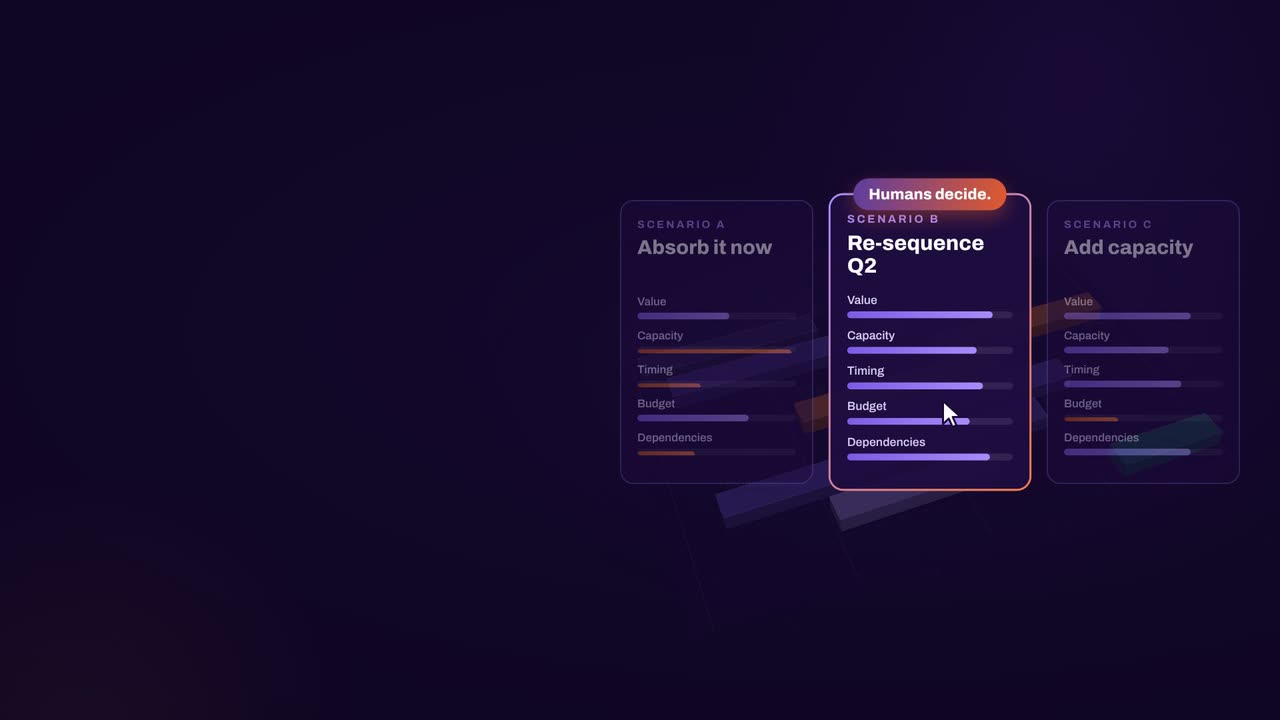
    Put “lend the teams to the other ART” next to “keep them where they are” and compare cost, capacity, value and timing with the LPM team and Business Owners.

  4. Decide and push back

    Agree on the change, save a new baseline and push the approved plan back to Jira, Azure DevOps or Rally. ARTs carry on with their iterations, and Business Owners know what the change means for the next PI.

How aangine works

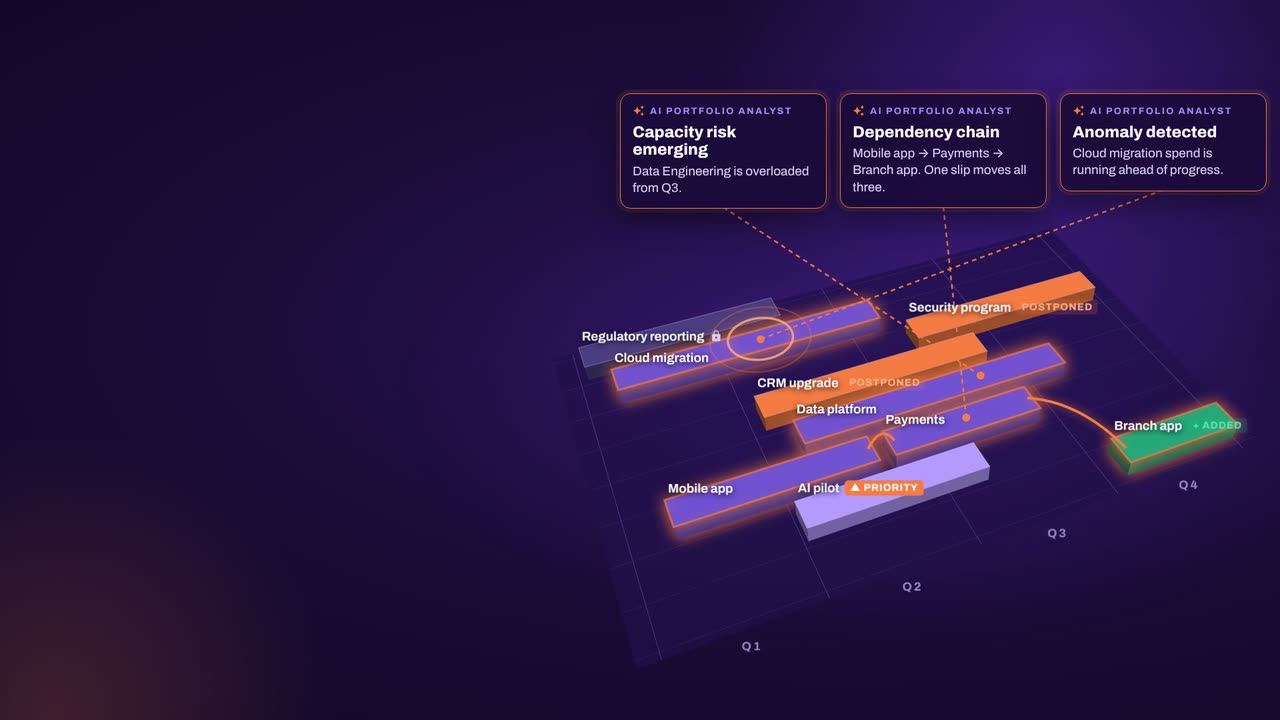
Algorithms calculate and optimize; AI discovers and highlights; humans decide.

aangine is the decision layer above the tools you already use. No rip & replace: it imports your plans, replans them in one click and pushes the approved plan back.

Algorithmscalculate and optimize
AIdiscovers and highlights
Humansdecide

The result: faster, clearer decisions when it matters most.

100xfaster portfolio decisions
9%budget savings
30%shorter product cycles
22%more strategic outcomes
80+%projects delivered on time

What our customers report in their case studies. Read the customer results

Keep exploring

SAFe and Scaled Agile Framework are registered trademarks of Scaled Agile, Inc. Framework and method names are used to identify them only. aangine and Continuous Software are not affiliated with, or endorsed by, the owners of these frameworks and methods.

Book a demo

Bring your PI roadmap.Leave with live scenarios.

Book a demo and bring your PI roadmap, your value streams and the epic waiting in your portfolio Kanban. We’ll show your portfolio replanning around them, between PIs.

Every Plan Meets Changeaangine in a minute · 58 seconds · sound on · captions

Transcript

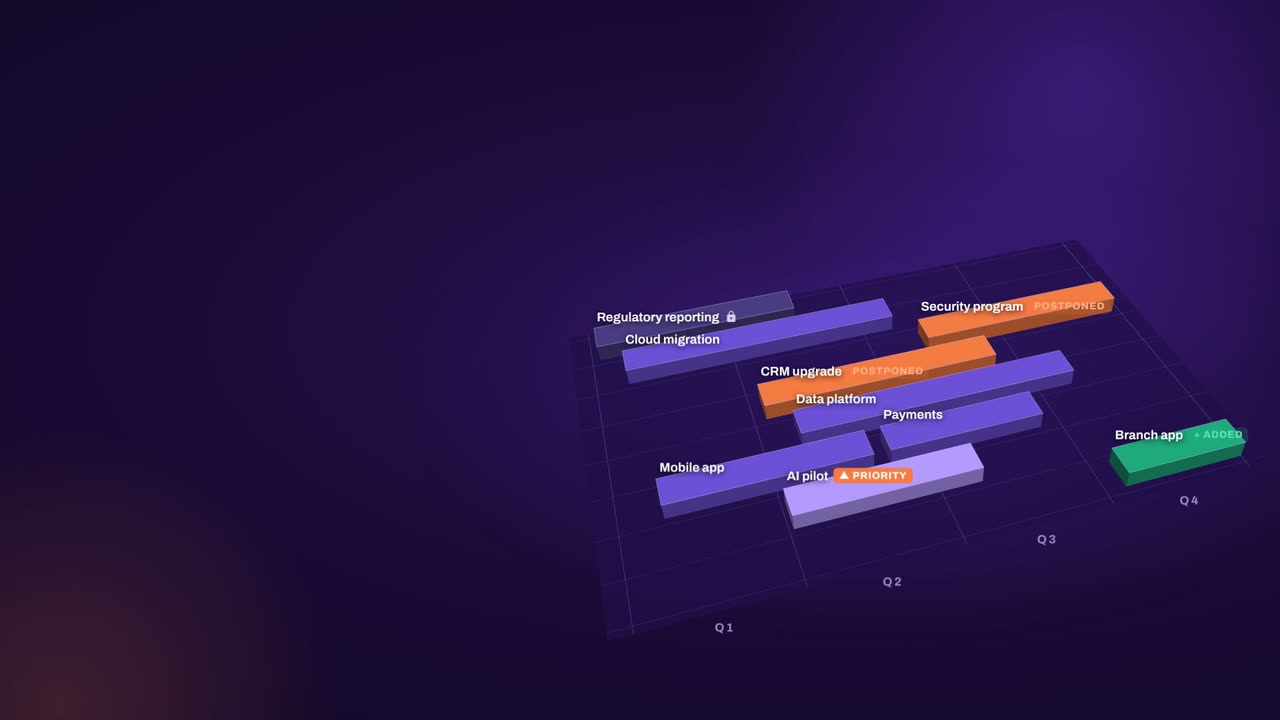
Your plan is perfect. For about five minutes. Then change crashes the party! The CEO wants a new project… That big milestone? Two months late. Your best team? Fighting fires. And priorities? Flipped! Cue days of rework, and yet another final-final deck. Now watch what aangine does. One click. Done! The whole plan just rebalanced. Next time the CEO asks, can we do it? You’ll know. In seconds. Algorithms calculate and optimize. AI discovers and highlights. Humans decide. The result: faster, clearer decisions when it matters most. aangine is the decision layer. Keep your tools. Even your spreadsheets! No rip and replace! A hundred times faster portfolio decisions. Nine percent budget savings. Five stars on Gartner Peer Insights. Change will come. Be ready to decide. Scan the code. See it live! aangine.

Book your assessment