Book a demo

Try “replan”, “SAFe”, “budget cuts” or “public sector”. Press / to search from any page.

  1. Home
  2. Frameworks
  3. Scrum@Scale

Scrum@Scale

One place to decide.Every option on the table.

Scrum@Scale gives leaders the Executive MetaScrum (EMS) to change priorities, budgets and team alignment. With aangine, they can test any of those changes against real capacity in the meeting, while teams keep their Sprints and backlogs.

Book a demo

Preparing the decision

An EMS can only choose among the options someone had time to analyze

Scrum@Scale gives leaders a specific place to change their minds. The Executive MetaScrum meets at least once per Sprint, and it is where stakeholders negotiate priorities, alter budgets and realign teams, rather than letting those decisions leak into the Sprint. It is a strong discipline, and it puts a lot of weight on a single event.

The difficulty is rarely attendance or cadence. It is preparation. Every option leaders want to discuss needs someone to work out what it would mean for each Scrum of Scrums, and that analysis takes days. So the EMS decides without the facts, defers to the next Sprint, or chooses only among the options that happened to be analyzed in time.

The Product Owner Cycle feels the same strain. Backlog Prioritization needs one order for the organization that weighs value, risk and dependencies. Release Planning tells stakeholders when to expect value and what it means financially, then ages quickly once a team is realigned. And when someone asks why the top strategic priority has nobody working on it, the answer is buried in capacity.


How aangine works with Scrum@Scale

Decision support for the Chief Product Owner and the EMS

Products, capabilities and initiatives are planned as portfolio items against Scrum of Scrums or team capacity. Everything stays above the Sprints: teams refine and decompose their backlogs in Jira, Azure DevOps or Rally, and approved plans flow back.

Any option, tested in the room

Propose a new order, a budget change or a team realignment, and one click rebalances the plan around capacity, dependencies and deadlines, with locked commitments held in place. The gaps are named, and the option sits next to the current plan before the meeting ends.

An order you can defend

Bring the scores you already use as priority input, make dependencies explicit and lock regulatory or contractual work. Then test the order against capacity and see which items land when, by Scrum of Scrums or team, and which don’t fit at all.

Release forecasts that stay honest

Set a baseline when the release plan is agreed and bring actuals in from your PPM tool. When something changes, the new forecast sits next to the baseline with the reason, and budget lines and cost rates keep date and cost in one conversation.

Strategic Vision, traced to capacity

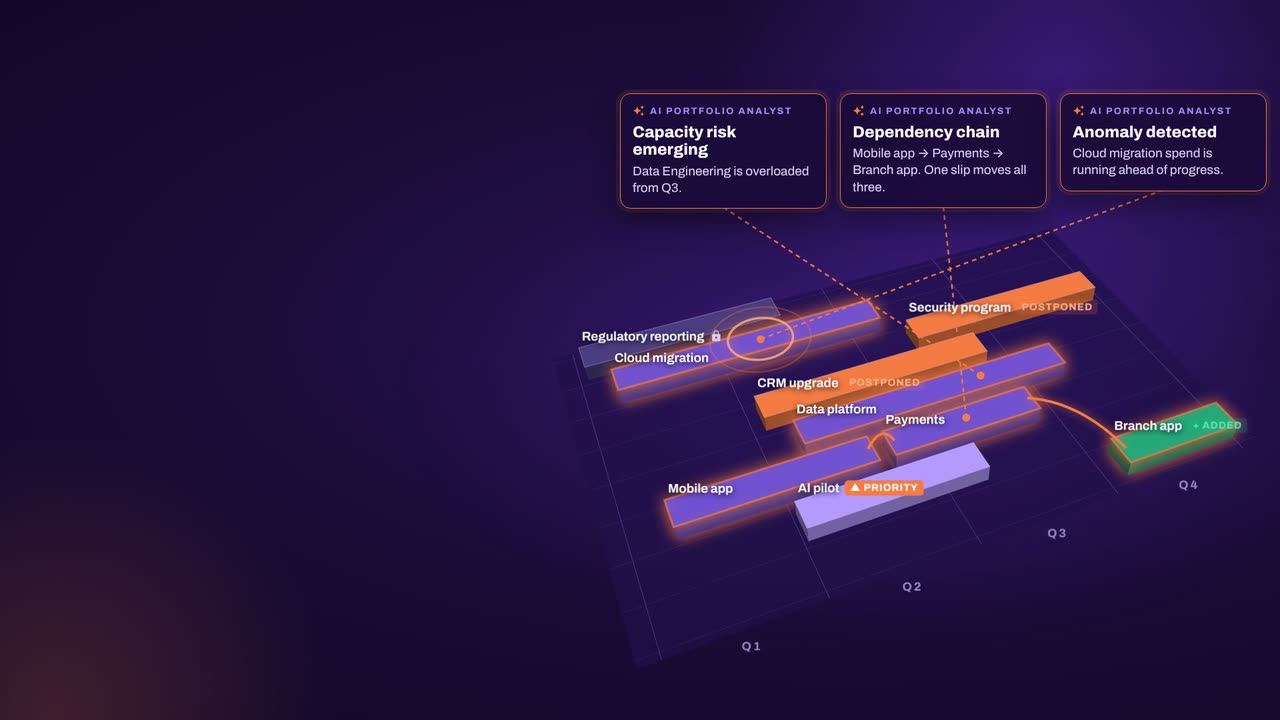
Strategic priorities link to initiatives, objectives and key results, and to the work beneath them. Ask why an initiative isn’t moving and see which team or budget ran out. The AI Portfolio Analyst highlights risks and writes summaries; the EMS decides.

In practice

Preparing the next Executive MetaScrum

Leaders want to move a product up, take teams from one Scrum of Scrums and fund a new capability next quarter. With one live plan, each option can be on the table.

  1. Load the proposals

    Add each proposed change as a scenario: the new priority order, the team realignment and the funding request, with estimates where detail is still missing.

  2. Replan each option

    One click replans each scenario against Scrum of Scrums and team capacity, with locked and mandatory work held in place.

  3. Compare side by side

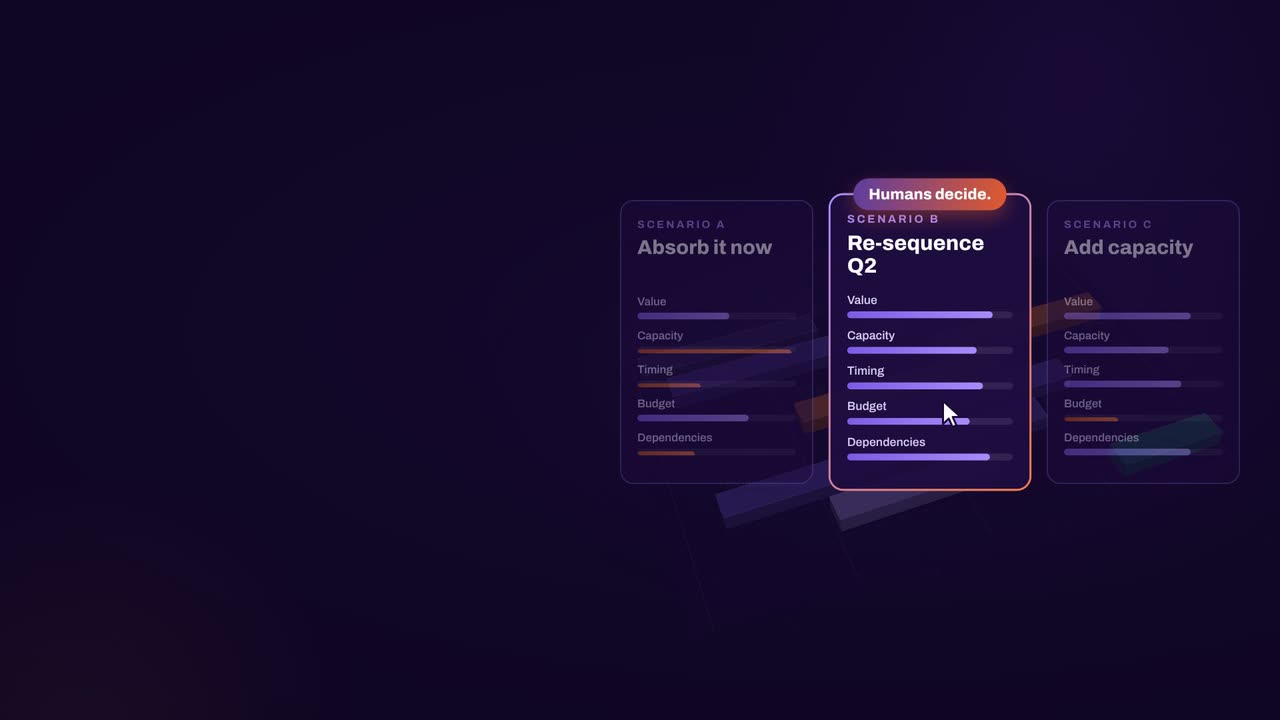
    In the EMS, compare the scenarios with the current plan on cost, capacity, value and timing, and drill into whatever looks surprising.

  4. Decide and baseline

    Agree on the change, save it as the new baseline and push the approved plan back to the teams’ tools before the next Sprint begins.

How aangine works

Algorithms calculate and optimize; AI discovers and highlights; humans decide.

aangine is the decision layer above the tools you already use. No rip & replace: it imports your plans, replans them in one click and pushes the approved plan back.

Algorithmscalculate and optimize
AIdiscovers and highlights
Humansdecide

The result: faster, clearer decisions when it matters most.

100xfaster portfolio decisions
9%budget savings
30%shorter product cycles
22%more strategic outcomes
80+%projects delivered on time

What our customers report in their case studies. Read the customer results

Keep exploring

Scrum@Scale is a registered trademark of Scrum Inc. Framework and method names are used to identify them only. aangine and Continuous Software are not affiliated with, or endorsed by, the owners of these frameworks and methods.

Book a demo

Bring your next EMS agenda.Decide with the consequences in view.

Book a demo and bring the options your Executive MetaScrum is weighing: the priority order, the team realignment, the budget change. We’ll replan your portfolio around each one.

Every Plan Meets Changeaangine in a minute · 58 seconds · sound on · captions

Transcript

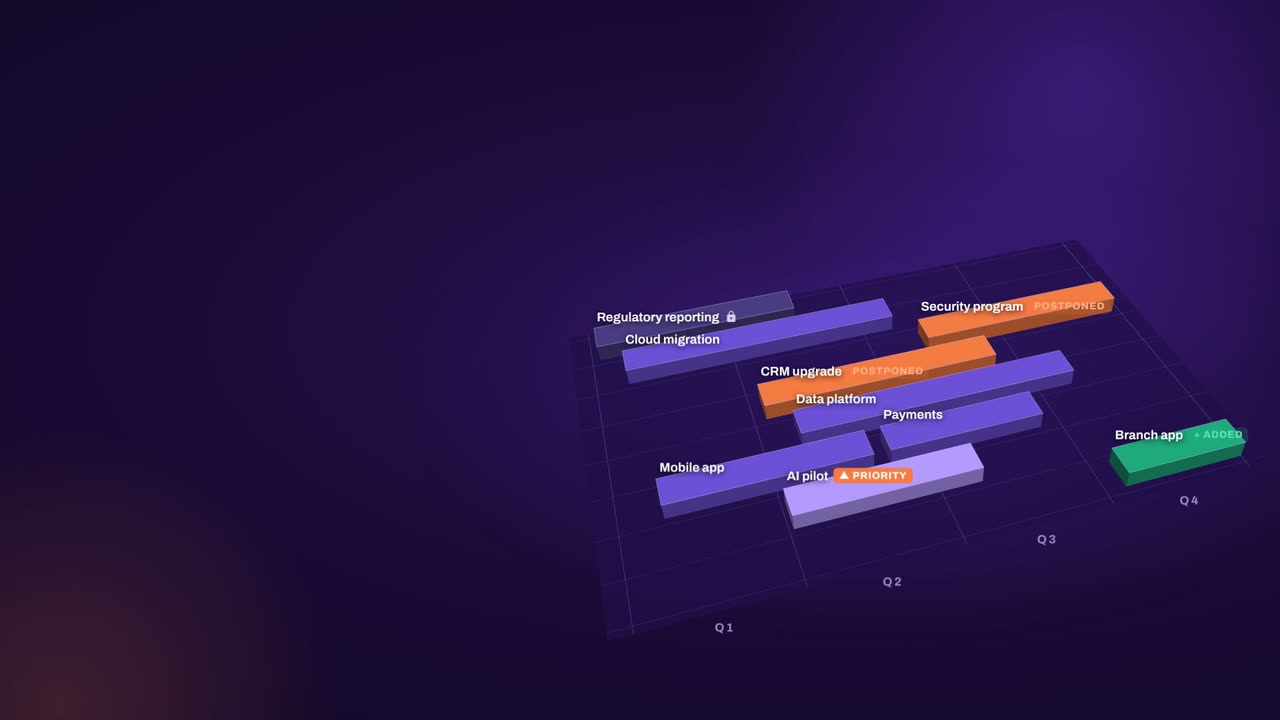
Your plan is perfect. For about five minutes. Then change crashes the party! The CEO wants a new project… That big milestone? Two months late. Your best team? Fighting fires. And priorities? Flipped! Cue days of rework, and yet another final-final deck. Now watch what aangine does. One click. Done! The whole plan just rebalanced. Next time the CEO asks, can we do it? You’ll know. In seconds. Algorithms calculate and optimize. AI discovers and highlights. Humans decide. The result: faster, clearer decisions when it matters most. aangine is the decision layer. Keep your tools. Even your spreadsheets! No rip and replace! A hundred times faster portfolio decisions. Nine percent budget savings. Five stars on Gartner Peer Insights. Change will come. Be ready to decide. Scan the code. See it live! aangine.

Book your assessment